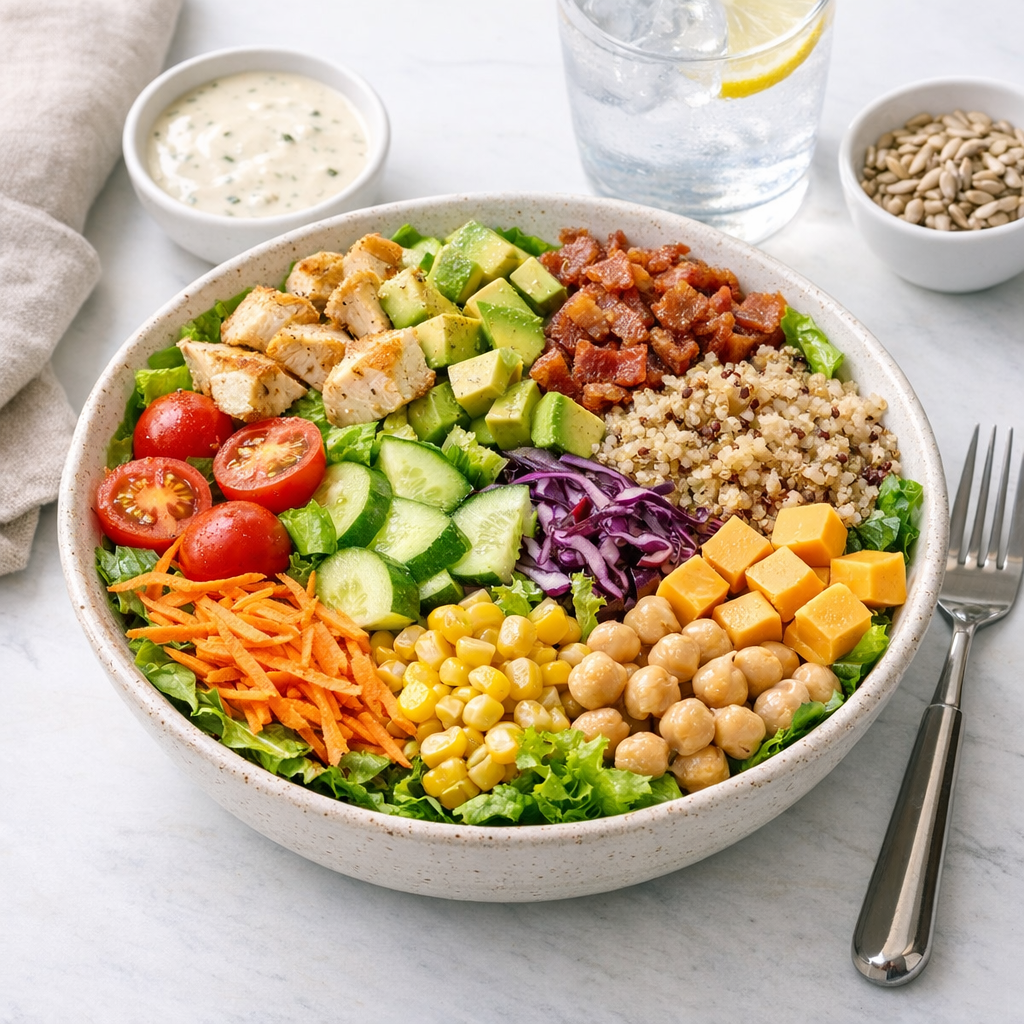
A calm way to log big salads without pretending every bowl is automatically light.
Calory are a good fit here because the goal is to keep the meal visible, repeatable, and easy to estimate without turning lunch into homework.
- Log the dressing and the calorie-dense toppings first because they usually drive the total more than the greens.
- Estimate the protein separately so the salad does not get treated like a side salad by default.
- Watch crunchy add-ons such as nuts and croutons, since they add up faster than they look.
- If you order the same salad often, save a standard version in Calory and adjust only the toppings that change.
Why this helps
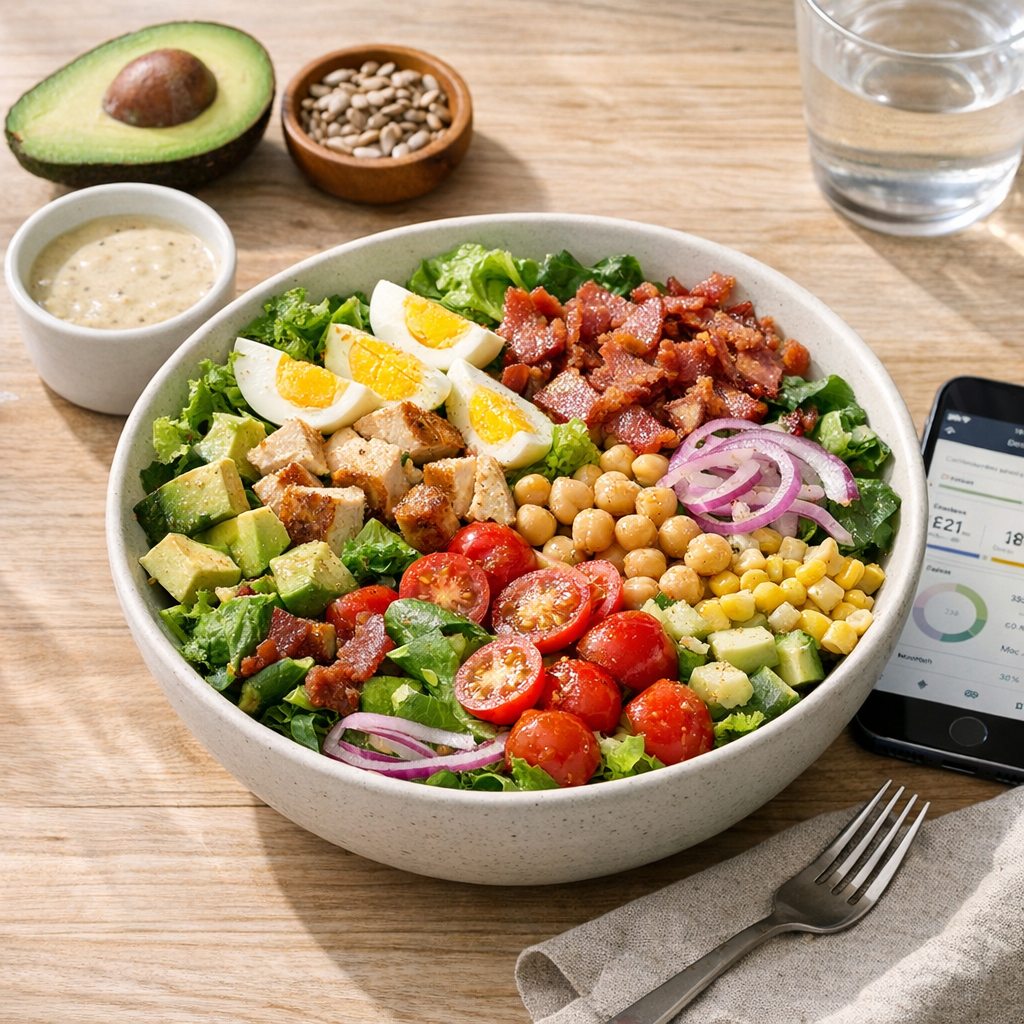
Calorie tracking gets easier when the meal shape stays familiar. A repeated structure means fewer decisions, fewer surprises, and less mental effort every time you open the app.
That does not mean the food has to be identical forever. It just means you start from something sane and adjust only the pieces that actually changed.
What to watch
Look for the ingredients that quietly move the total, like sauces, cheese, dressings, bread, oils, or side items. Those are the details that change an estimate from guesswork into something useful.
If the meal is a repeat, save it in Calory once and reuse it next time. That is where the app saves time in a real way.
Keep the next step obvious
A salad is not always a low-calorie meal. Once the cheese, dressing, nuts, croutons, and protein show up, the estimate can move a lot.
FAQ
Why are salads hard to estimate?
Because the toppings and dressing can change the total more than the greens themselves.
Should I count the dressing separately?
Yes. Dressing often makes the biggest difference in the calorie total.
What if the salad is restaurant-sized?
Treat it like a full meal and log the ingredients that actually matter.